
DALL·E 3 Prompt Guide: Master the Concept Artist
DALL·E 3 is not just by a generator; it's a 'Rewriter'. It takes your prompt and changes it behind the scenes. To master DALL·E, you need to learn how to speak to its safety system, how to use the 'Gen_ID' to keep characters consistent, and how to create complex scenes without confusing the AI.
Upload Image → Get DALL·E PromptHow DALL·E 3 Actually Works: The 'Rewriter'
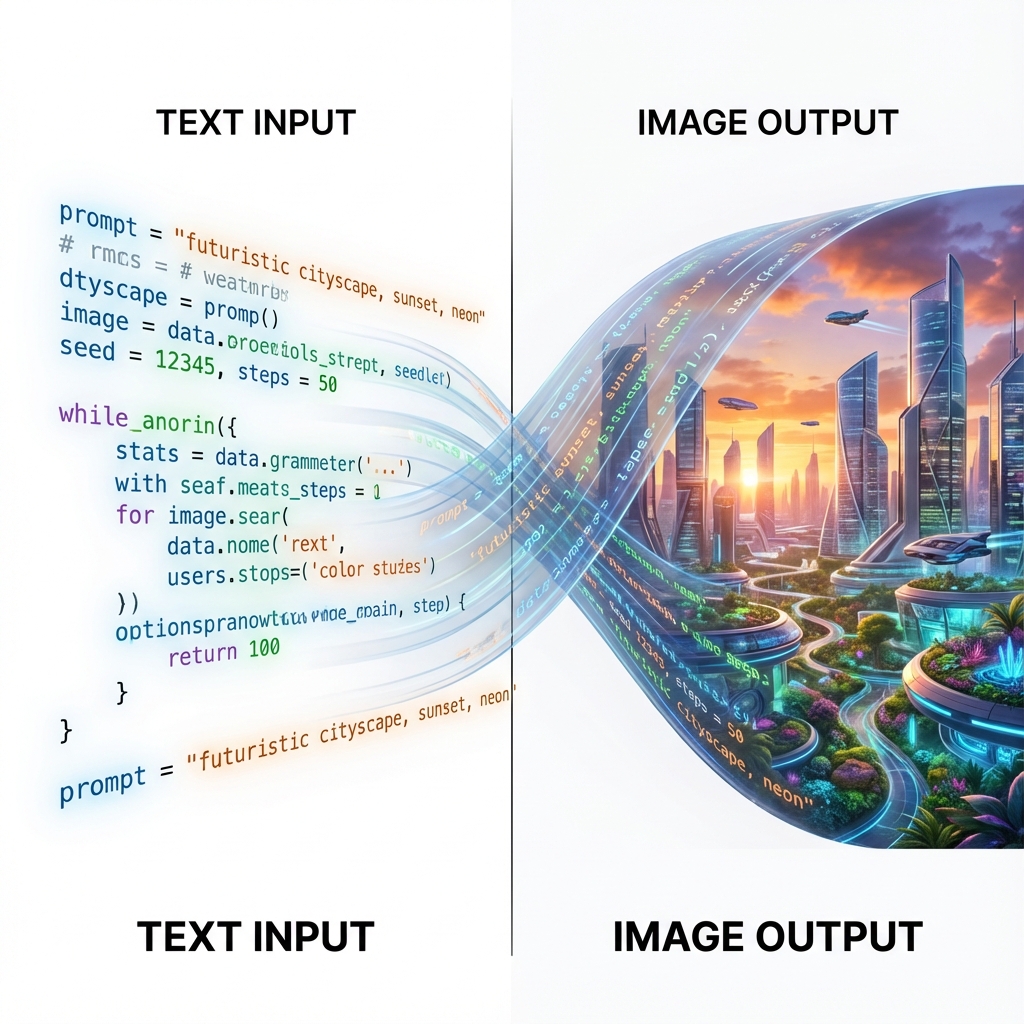
Most users don't know that DALL·E 3 rarely uses your exact prompt. Instead, it passes your text through GPT-4, which 'rewrites' it to be more descriptive and safety-compliant. This is why a short prompt like 'a cool cat' produces a paragraph of description in the result.
To control DALL·E, you must be a 'Director' who gives instructions to the Rewriter, not just the image generator. You need to verify what DALL·E actually wrote by checking the modified prompt, and then refine your instructions to prevent it from adding unwanted details. It excels at following natural language instructions but struggles with negative constraints.
DALL·E 3 Parameters
| Parameter | Values | Description |
|---|---|---|
| Aspect Ratio | 1024x1024, 1792x1024, 1024x1792 | Use Wide (1792x1024) for cinematic scenes, Tall (1024x1792) for mobile posters. |
| Style | vivid / natural | 'Vivid' creates hyper-real, punchy colors. 'Natural' is better for realistic photos. |
| Quality | standard / hd | Always use 'hd' for final exports. It adds detail to textures and text. |
Workflow: The Conversational Loop
- The Descriptive Core: Write a full sentence. DALL·E loves 'A wide angle photo of...' instead of just tags.
- The Safety Check: Ensure your prompt avoids sensitive terms. If DALL·E blocks it, it often won't tell you why. Keep words neutral.
- The 'I Do Not' Trap: DALL·E is bad at specific negative commands like 'no blue'. Instead, describe the alternative: 'Make the sky orange'.
- The Revision: If the style is wrong, tell it specifically: 'Use a flat vector art style with no gradients'. It understands art direction perfectly.
DALL·E 3 Prompt Mechanics
The Character Consistency Hack (Gen_ID)
Positive
Formula: [Prompt] ... (After generation, get Gen_ID). Next Prompt: [New Scene] + 'referenced_image_ids': ['[Gen_ID]'] Why it works: DALL·E generates a unique ID for every image. If you like a character you created, you can ask ChatGPT for its 'Gen_ID' and reference it in your next prompt to keep the face/style consistent (feature available via API and ChatGPT).
The Text Renderer
Positive
Formula: A sign that says "[YOUR TEXT]". The text is written in [Font Style] on a [Material]. Why it works: DALL·E 3 is the king of text. The key is to put your text in double quotes and describe the font and surface. Don't just say 'text', say 'neon tube text' or 'chiseled stone text'. Example: 'A futuristic neon sign saying "OPEN" in pink cursive script on a wet brick wall.'
The Split Screen
Positive
Formula: A wide image split into two panels. Left panel: [Scene A]. Right panel: [Scene B]. Distinct separation line. Why it works: DALL·E understands spatial instructions very well. You can create before/after comparisons, comic strips, or multi-angle views just by describing the panel layout.
DALL·E 3 Case Studies
Case Study 1: Atmosphere & Lighting
DALL·E can render complex atmospheric lighting while keeping the main subject (the sign) legible and distinct.
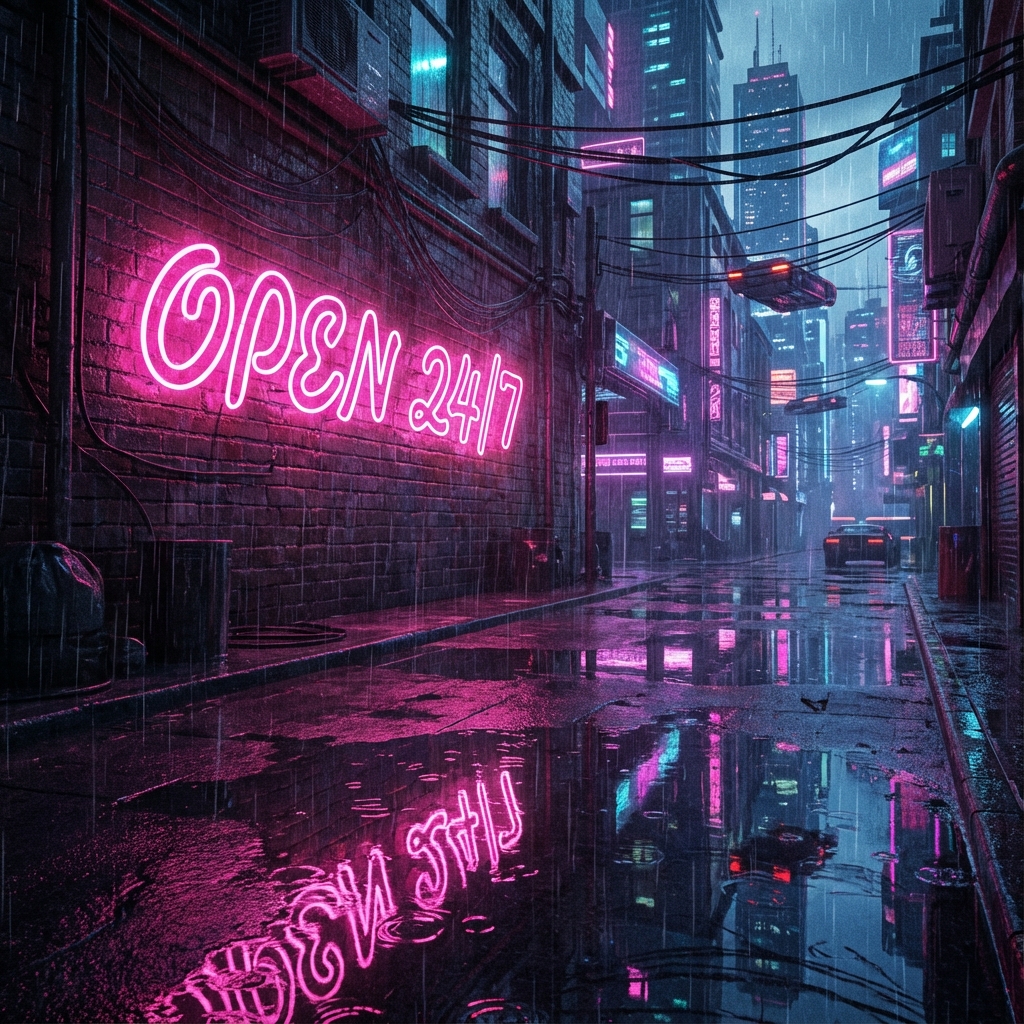
A futuristic neon sign saying 'OPEN 24/7' in pink cursive script on a wet brick wall. Cyberpunk atmosphere, reflection in puddles.
Case Study 2: Conceptual Surrealism
DALL·E excels at visual concepts that require 'understanding' the relationship between objects, like this surreal architectural cutaway.
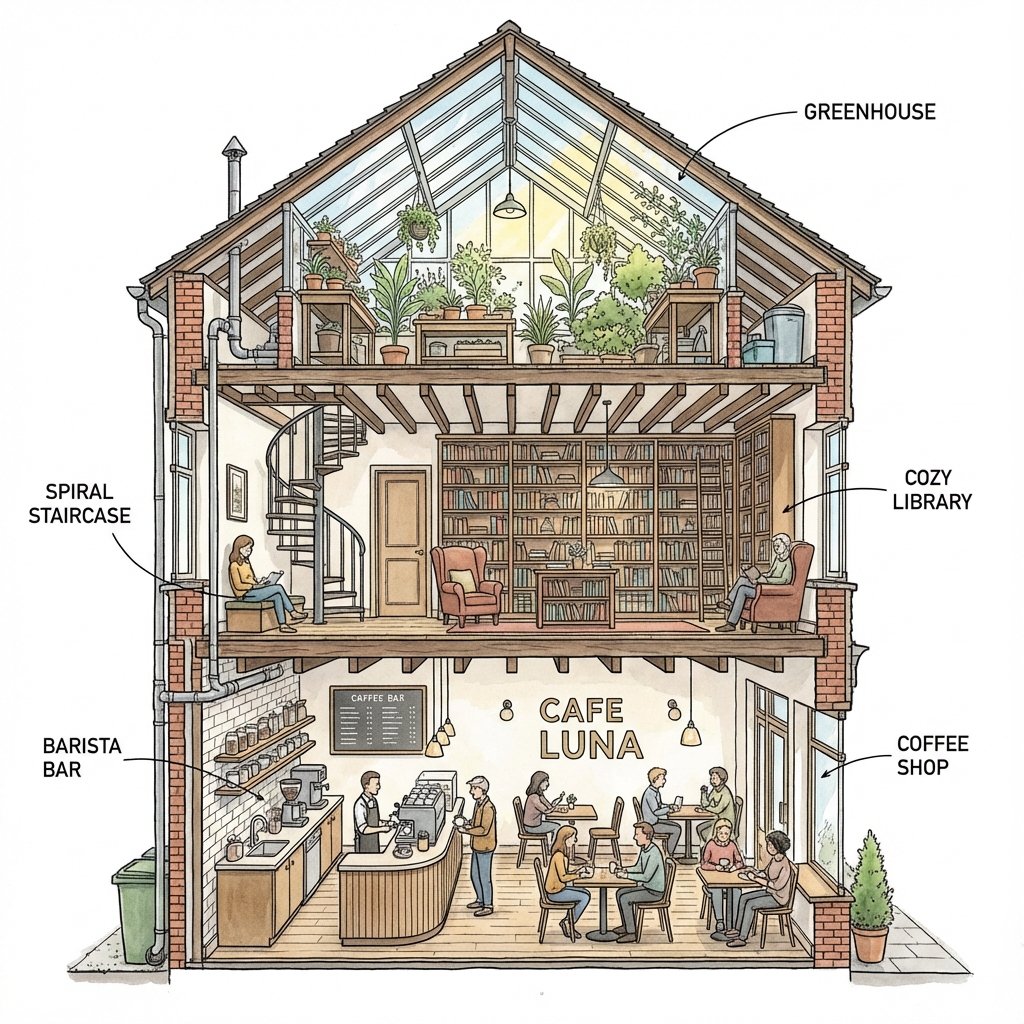
A cross-section diagram of a house. The ground floor is a coffee shop, the second floor is a library, and the attic is a greenhouse. Detailed architectural style.
DALL·E 3 FAQ
Why did DALL·E change my prompt?
It uses an internal 'rewriter' to improve prompt adherence and safety. In ChatGPT, you can sometimes say 'Use my prompt exactly as written' to bypass this, but the rewrites often help quality.
Can I edit images (Inpainting)?
Yes, DALL·E supports editing. You can select an area and describe strict changes. ImgtoPrompt automatically converts unsafe brands into visual descriptions.
How do I stop it from generating copyrighted characters?
DALL·E has strict filters. Instead of asking for 'Spider-Man', describe the visual traits: 'A superhero in a red and blue spandex suit with a web pattern'. ImgtoPrompt automatically converts unsafe brands into visual descriptions.
How do I use DALL·E 3 with ChatGPT?
DALL·E 3 is now integrated directly into ChatGPT (GPT-4). Simply describe your image in the chat, and ChatGPT will automatically generate it using DALL·E. For best results, use ImgtoPrompt to convert your reference images into detailed, narrative prompts that ChatGPT's DALL·E integration understands perfectly. Remember that ChatGPT will rewrite your prompt behind the scenes, so focus on clear, descriptive language rather than technical keywords.
Continue Exploring
Master DALL·E 3 Prompts
DALL·E needs a Director, not a tagger. Upload your image to get a high-quality, narrative-driven prompt that DALL·E understands perfectly.
Generate DALL·E Narrative