Midjourney Prompt Guide: Master the Art of AI Photography
Stop struggling with 'random' results. Master Midjourney v7 by understanding its 'Artistic Director' personality. This guide covers the essential parameters, the powerful '--sref' Style Reference hack, and the exact formulas needed to force photorealism or stylized consistency.
Upload Image → Get Midjourney PromptHow Midjourney Thinks: The 'Artistic Director'
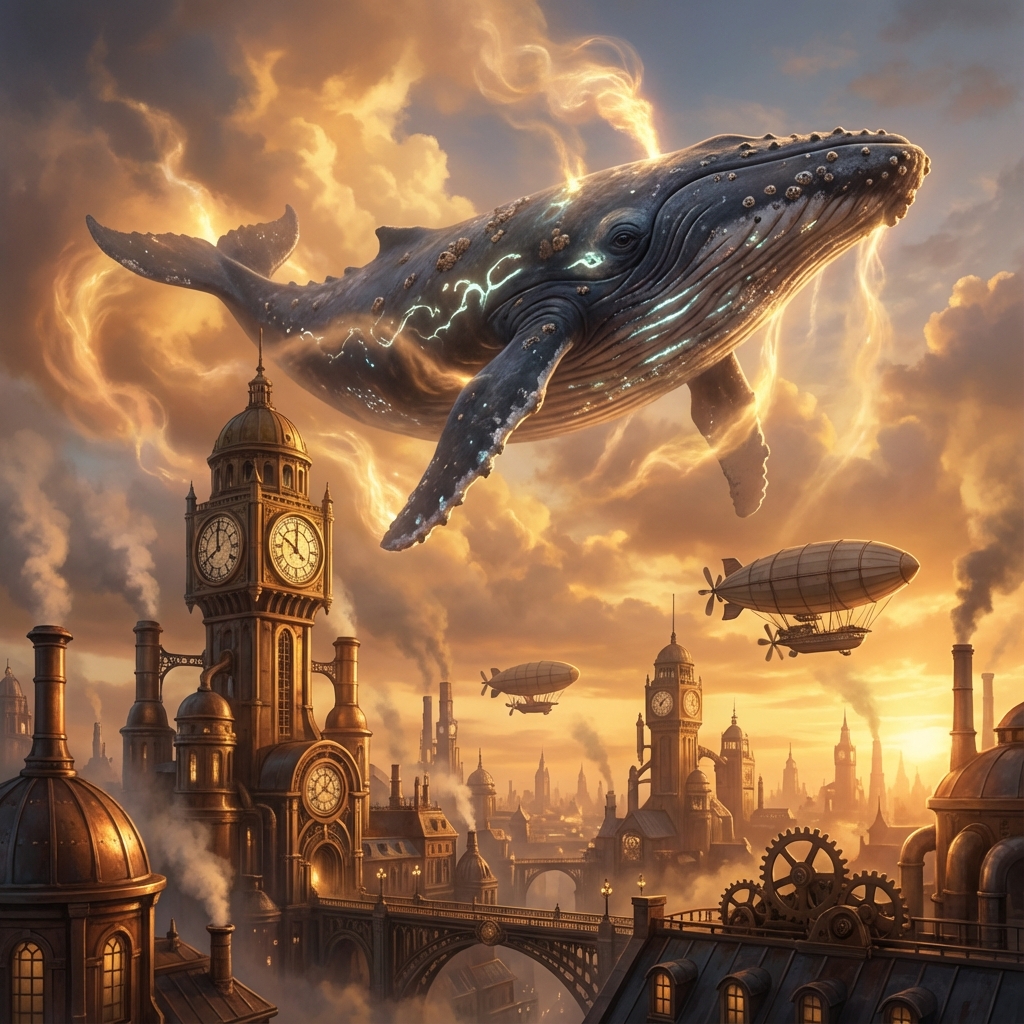
Unlike Flux (which is a logical 'Instruction Follower') or SDXL (which is a technical 'Studio Tool'), Midjourney acts like an Artistic Director. It has a strong default opinion on beauty, lighting, and composition. If you give it a vague prompt, it will fill in the gaps with its own 'house style'—often resulting in that recognizable, overly-polished 'AI look'.
To master Midjourney, you don't need complex logic; you need Styles and Parameters. You must speak the language of photography and art history. Instead of explaining 'why' an object is there (logic), explain 'how' it looks (aesthetics). Use parameters like --style raw to suppress its default artistic bias when you want pure realism, or --sref to force it to copy a specific visual style.
Midjourney Parameters Cheat Sheet
| Parameter | What it controls | Pro Tip |
|---|---|---|
| --style raw | Removes Midjourney's 'beautification' filter. | MANDATORY for photorealism. Without it, photos look like digital art. |
| --sref [url] | Style Reference. Copies the vibe/colors/texture of an image URL. | Use this code to clone your brand style or a specific artistic look. |
| --cref [url] | Character Reference. Keeps faces/outfits consistent. | Combine with '--cw 100' to keep the outfit, or '--cw 0' to keep only the face. |
| --stylize (0-1000) | How 'artistic' the AI should be. | Default is 100. Lower to 50 for better prompt adherence. Raise to 700 for wild creativity. |
| --chaos (0-100) | How different the 4 grid images are. | Set to 30+ when you are brainstorming ideas and want surprises. |
Workflow: The Parametric Art System
- The Core Subject: Start with a simple Noun + Verb statement. 'A cat sitting on a wall'. Keep the core simple so the model doesn't get confused.
- The Art Direction: precise adjectives for Lighting, Medium, and Composition. 'Cinematic lighting, shot on 35mm film, low angle'. This triggers the aesthetic engine.
- Parameter Injection: This is the secret sauce. Add --ar 16:9 for composition, --style raw for realism, or --stylize 50 to tone down the 'fake' perfection.
- The Remix Loop: Never accept the first result. Use 'Vary (Region)' to fix small details, or use the 'Remix' mode to change the time of day while keeping the composition.
High-Value Prompt Formulas
The 'Style Thief' (Using --sref)
Positive
Formula: [Simple Subject Description] --sref [URL of style image] --sw 100 --v 6.0 Why it works: Instead of writing 50 words to describe a specific 'neon-noir retro aesthetic', you just find an image that has that look and 'feed' it to Midjourney. The --sref parameter extracts the colors, textures, and brushstrokes, applying them to your new subject. Example: 'A futuristic coffee shop in Tokyo --sref https://site.com/blade-runner-still.jpg --ar 16:9'
The 'Anti-AI' Realism Settings
Positive
Formula: [Subject] + [Camera] + [Lighting] + [Imperfections] --style raw --stylize 50 Why it works: Midjourney loves to make things smooth and shiny. To break this, we use --style raw (which turns off the beauty filter) and lower --stylize to 50. We also add 'imperfection' keywords. Example: 'iphone photo of a messy desk, crumpled papers, coffee rings, harsh office ceiling light, slightly out of focus --ar 4:3 --style raw --stylize 50'
The Character Keeper (--cref)
Positive
Formula: [New Scene Description] --cref [URL of face] --cw 10 Why it works: Keeping a consistent character is the hardest part of AI storytelling. Use --cref with a URL of your character's face. Setting --cw (Character Weight) to roughly 10 ensures it copies the face but allows you to change the clothes and hair to fit the new scene. Example: 'A woman in a space suit floating in zero gravity --cref https://site.com/my-character.jpg --cw 10'
Deep Dive: Midjourney Use Cases
Case Study 1: Cinematic Realism
Midjourney excels at dramatic lighting. Using 'shot on 35mm film' and '--style raw' moves it away from digital art towards a movie-still aesthetic.
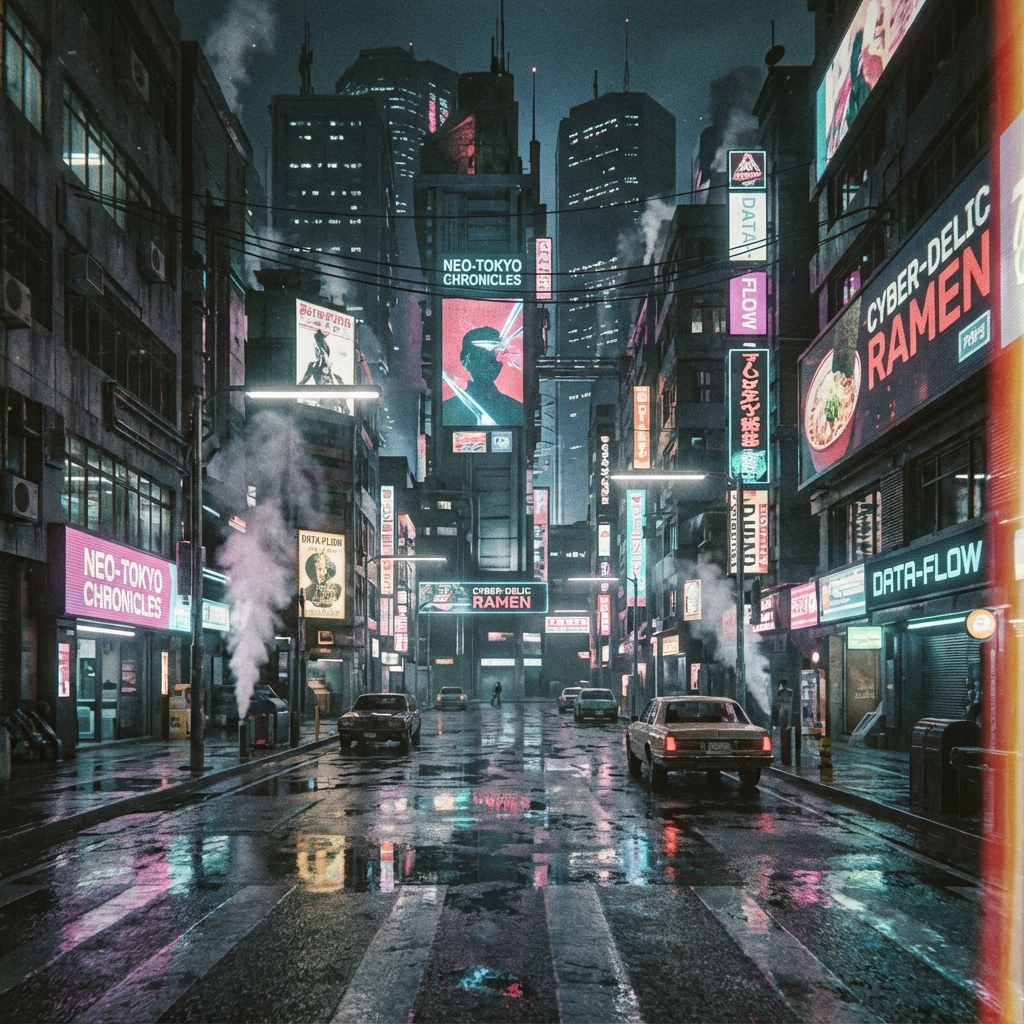
street photography of a cyberpunk city, neon lights reflecting on wet pavement, cinematic lighting, shot on 35mm film, slight grain --ar 16:9 --style raw
Case Study 2: High-End Product Photography
For product shots, specificity is key. 'Macro photography' and 'studio lighting' tell the Artistic Director to focus on texture and clarity.
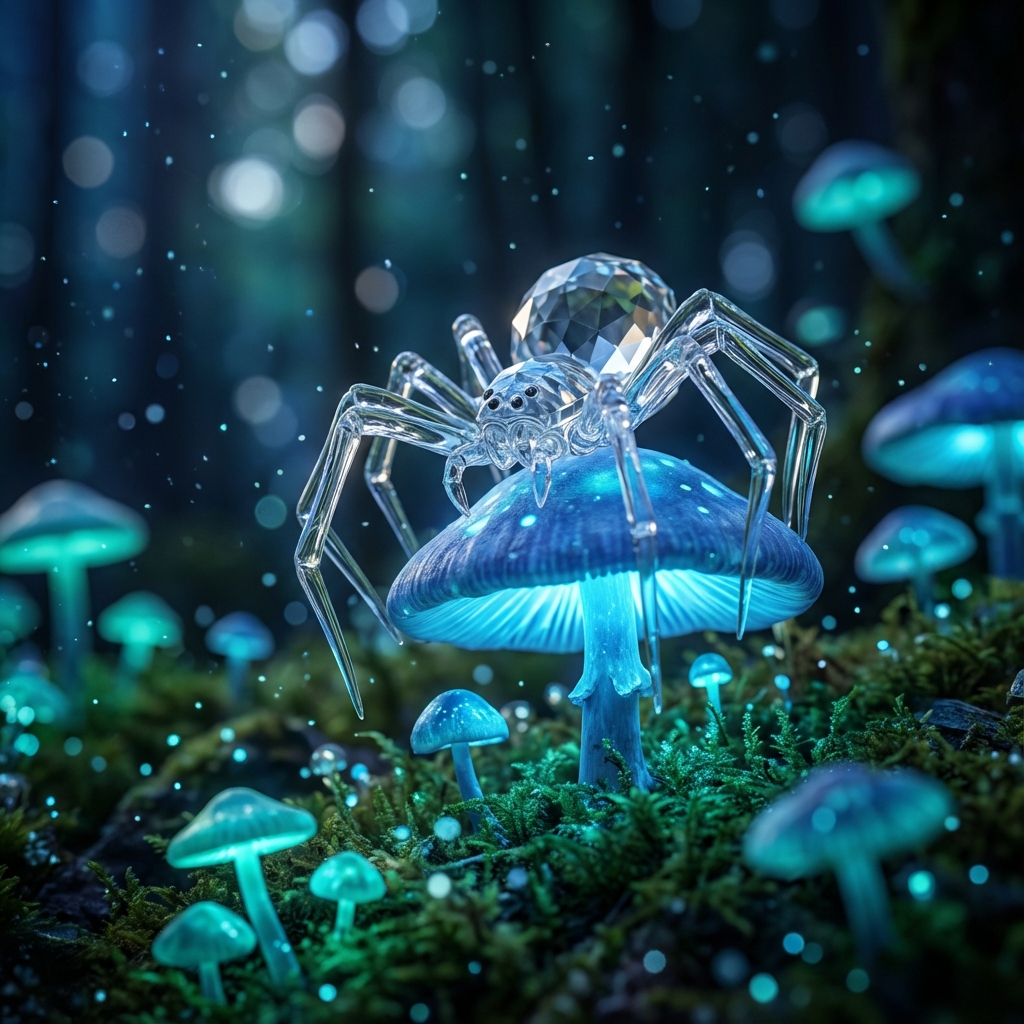
macro photography of a mechanical eye, intricate details, studio lighting, depth of field, 8k resolution, sharp focus
Midjourney Expert Q&A
My images look too 'cartoonish'. How do I fix it?
You are likely using the default settings which lean towards illustration. Add --style raw to the end of every prompt. Also, avoid words like 'drawing', 'art', or '3d render'. Use 'photograph', 'documentary footage', or 'snapshot' instead.
How do I calculate the aspect ratio?
It's simple math but critical for composition. --ar 1:1 is square (Instagram). --ar 16:9 is cinematic (YouTube/Movies). --ar 9:16 is for innovative mobile stories (TikTok). Pro Tip: The aspect ratio actually changes what is generated. A vertical ratio often generates full-body shots, while horizontal generates wide landscapes.
What is the difference between specific and vague prompts?
In Midjourney v7, specificity is king. 'A dog' is bad. 'A Dalmatian sleeping on a red velvet couch' is good. Avoid 'fluff' words like 'amazing', 'cool', 'beautiful'. They waste your token limit. Describe the physical attributes instead.
Continue Exploring
Get the Perfect Midjourney Parameters
Stop guessing the right aspect ratios and weird codes. Upload your reference image, and ImgtoPrompt will generate a full, parameter-optimized Midjourney command for you.
Generate Midjourney Prompt